
Request ICA Documentation
International Clergy Accreditation (ICA)
International Clergy Accreditation (ICA) is the issuing body responsible for clergy documentation and verification.
ICA collects only the personal information required to prepare credentials, including name, address, phone number, email address, and credential designation.
ICA does not process payments, collect billing information, or handle financial transactions.
The Cost
$XX single bundled package.
Includes digital delivery of print-ready credentials with no expiration.
Administrative Processing Fee: $XX
Therefore Ministries collects zero funds from this service.
All fees are paid directly to a third-party digital fulfillment provider.
Not a single dime from this fee goes to Therefore Ministries.
This service exists for ministry purposes only, not profit-making.
What You Receive
- Clergy Identification Card — print-ready digital files
- Letter of Standing — PDF
- Ministerial Parking Placard — PDF
- Verification by request via email
Typical response time: 24–48 hours.
Sample Credentials
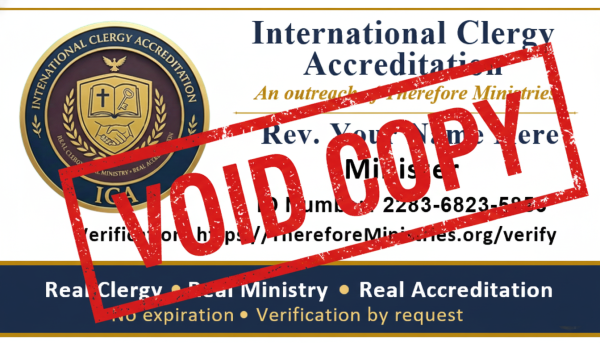
Clergy Identification Card
VOID SAMPLE
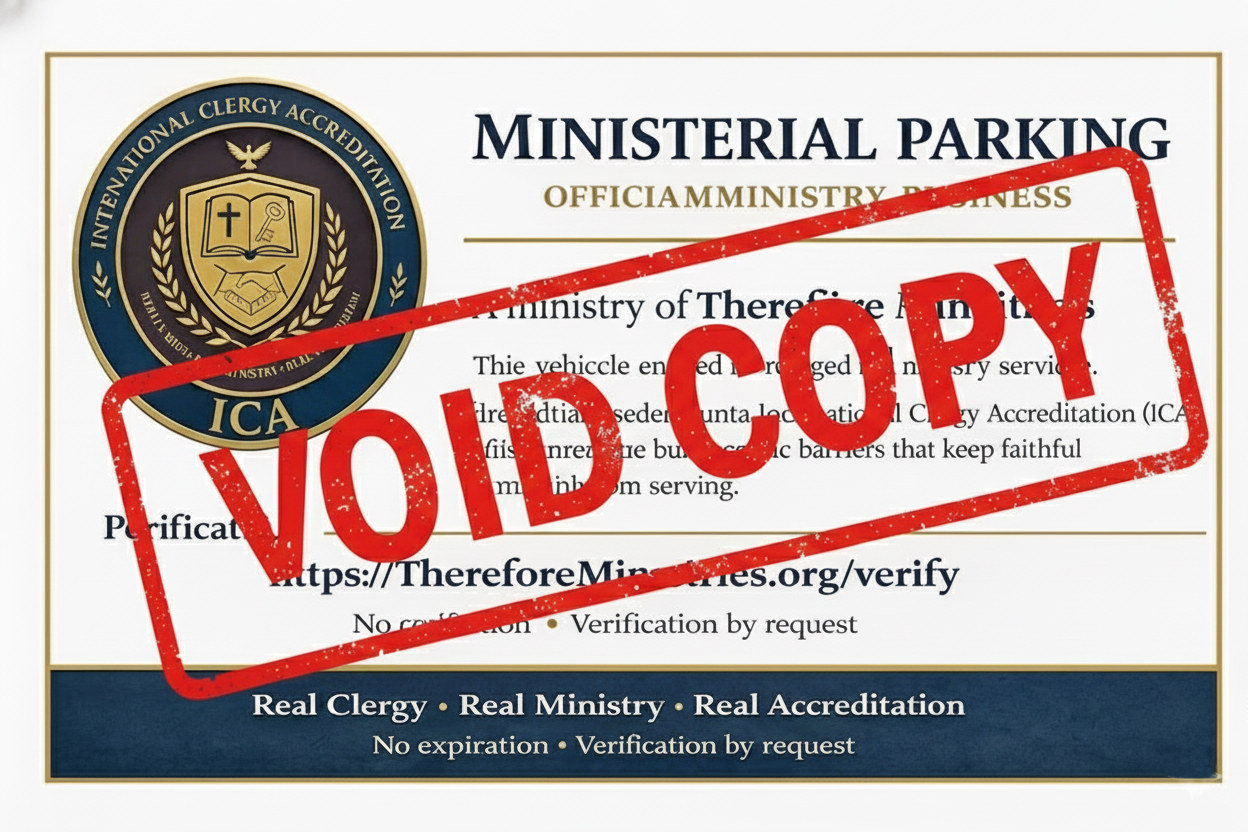
Ministerial Parking Placard
VOID SAMPLE
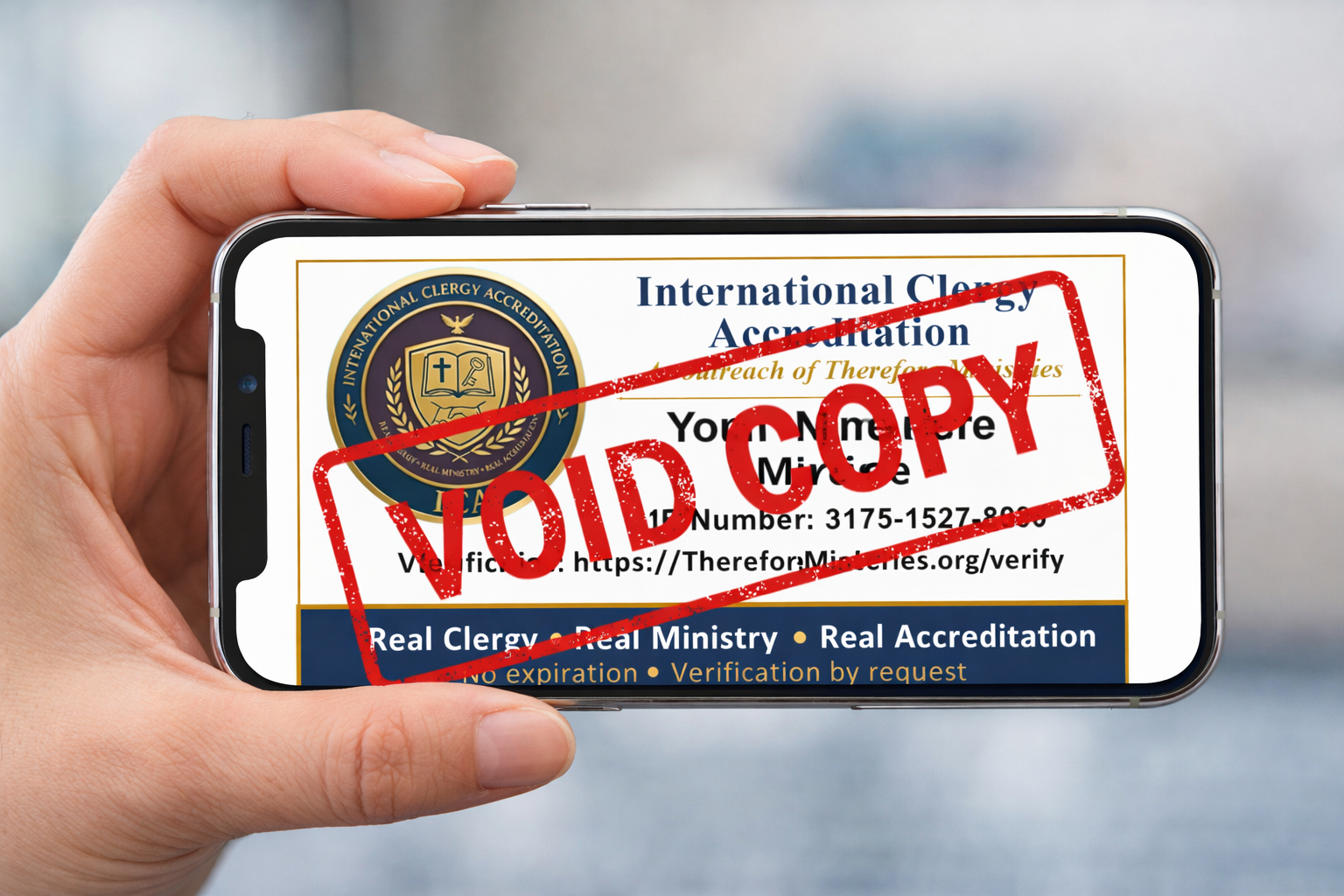
Also works on your phone as a digital ID.
Each credential package also includes a formal Letter of Standing suitable for institutional review.
All credentials are delivered digitally, print-ready, with no expiration.
How the Process Works
Step 1 — Submit a Request
Email support@XXXXX.com to request ICA documentation.
Include the following information in your email:
- Full legal name (as it should appear on credentials)
- Mailing address (street, city, state, ZIP)
- Phone number
- Email address
- Requested title (choose one only):
- Minister
- Pastor
- Clergy
- Hospice Minister
- Hospice Pastor
All credentials are issued with the standard prefix “Rev.” followed by the selected title. Please indicate in your request if you wish to opt out of the “Rev.” prefix.
Step 2 — Ticket Confirmation
XXX responds from its help desk system with a support ticket number.
All communication takes place inside the ticket.
Step 3 — Invoice & Payment
XXX prepares an invoice and sends it to your email address through
Intuit QuickBooks.
The invoice email contains a secure payment link. Clicking the link takes you directly to Intuit’s servers, where you enter your billing information.
Accepted payment methods include Credit/Debit Cards and ACH Bank Transfers (eChecks). XXX, ICA, and Therefore Ministries do not receive or store your billing information.
Step 4 — Credential Preparation
Once the invoice is marked paid by Intuit, XXX is notified and prepares
the credentials using information provided to ICA.
Step 5 — Delivery
Completed credentials are delivered digitally through the XXX help desk.